I’m building an icon pack for girls like me with curly hair. If you look at the market now, there are hardly any icon options for girls with anything other than straight hair. With this icon set, I aim to change that.
This week I finished creating all my icons and started packaging them, preparing them for sale.
What I Accomplished
This week was all about the package and getting my icons ready for sale. To do that, I refined my icons, exported, named, and organized the files, and chugged away on some sales page assets. My big goal for this week was to finalize those icons.
Refining
I needed to make sure each icon accurately represented its curl, and that they were usable at different scales. (Check out last week’s blog for a more in-depth look at what I wanted to refine this week).
To make sure the type 3 hair felt right, I added one more kink in the curl pattern. This made the icon feel like a better medium in the 3-curl pattern range. I also tried a second variation with more kinks, but this first variation fit the range and icon set better.
Next, I made sure all the icons were clear at lots of sizes. I shrunk each icon to the standard size: 24×24 pixels. I made a few edits to the coily hair icons to make sure you could still see the curls at that smaller size. To do this, I adjusted the amount of kinks with the zigzag effect so there were fewer ridges per segment. This way, the curls appear more defined in the final product. This, combined with a wider, more voluminous hair shape, makes the icons clear even when you can’t see intricate details. I also bumped the stroke width of all the icons so they’re easier to see at a smaller scale.
Exporting and File Organization
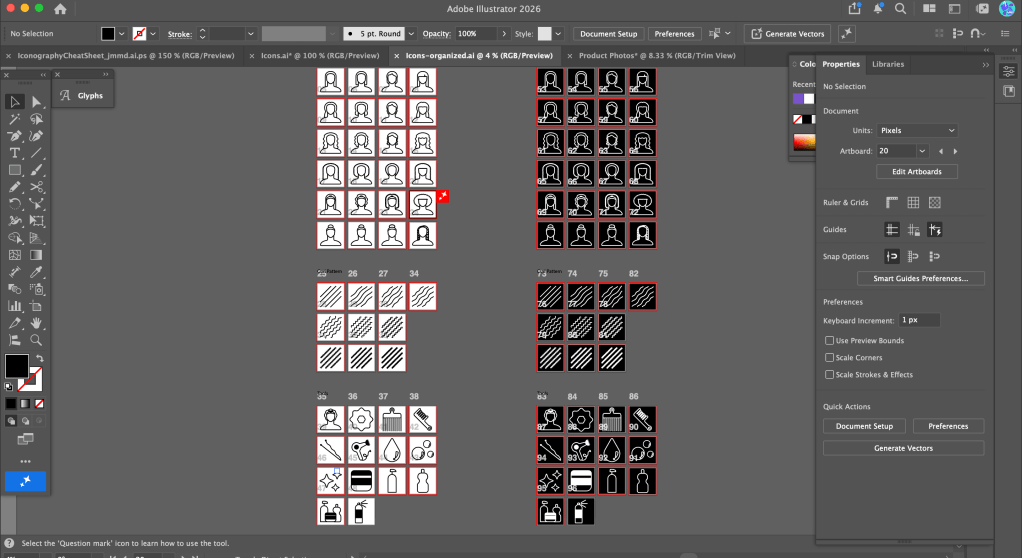
After each icon was complete, I transferred them to a new, clean Illustrator file. I increased their size, gave each icon its own artboard, and created a white variant of the black icons.
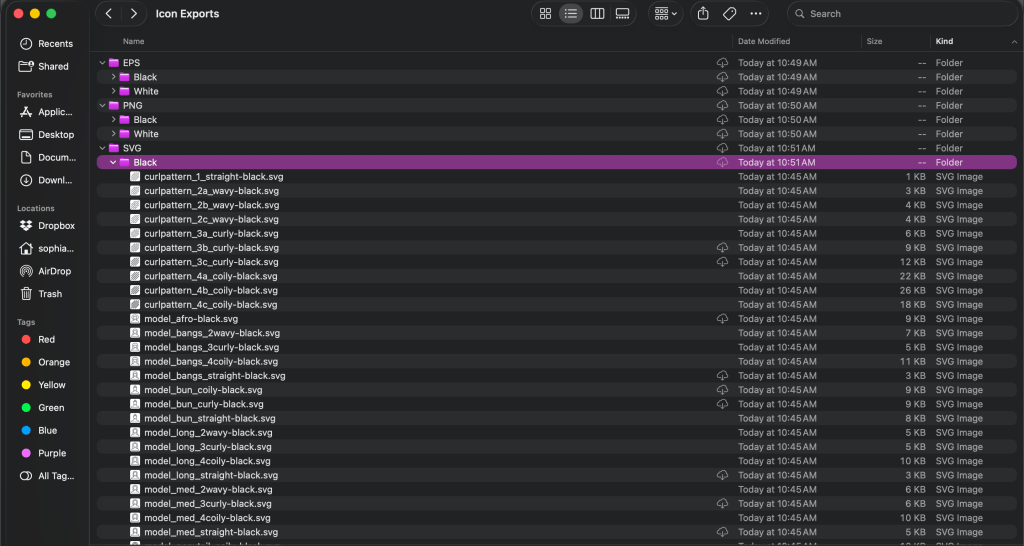
I gave each icon a clear name describing its category, curl pattern, or the thing the icon represented, and its color. I set up an exports folder with subfolders for each file type and icon color. I exported each icon from the “Export for Screens” menu as an SVG file, an EPS file, and a transparent PNG. I was able to sort each file into its respective folders from there.
Sale Asset Prep
When you’re selling a digital product, more goes into it than just the product itself. That’s why I spent some time this week creating some of the elements that would be visible on my sales page.
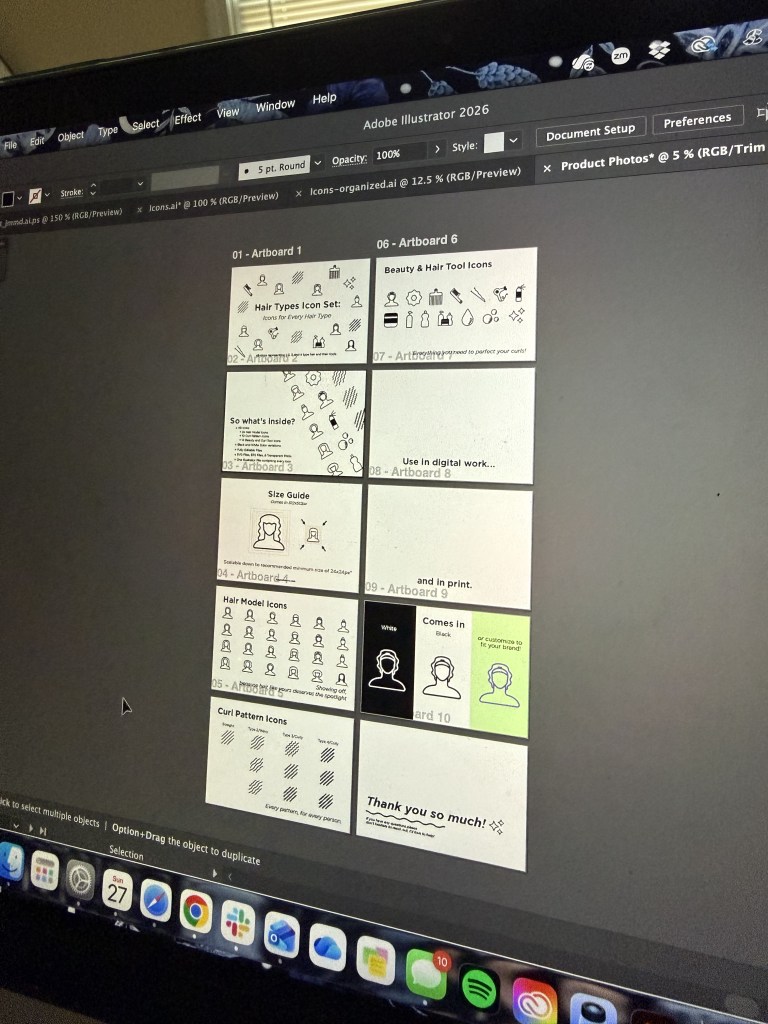
I continued to nail down the copy, including the title, prices, keywords, and a description outline. Using the outline for my product images that I created last week, I translated them into a wireframe in Illustrator. This gives me a strong base, so I’ll only have to add finishing touches next week.
What was Tricky This Week
There was no major slowdown this week, but that doesn’t mean there were no bumps in the road. I had a bit of a learning curve with the technical aspect of the icon exporting process, and I had a few time limitations this week.
The Technical Aspect
Something more difficult than anticipated was deciding on the best way to export my files. Exporting an icon set like this isn’t something that I typically do; Normally I work for myself, so my files are messy because no one else is looking at them. This had to be polished.
I researched the ideal sizes for my file types to be exported. I opted to make them larger than typically needed to ensure customers receive a high-resolution product.
Originally, I planned to include individual Illustrator files along with the SVG, EPS, and PNGs. I ultimately decided against doing that, instead including a master file with every icon in one spot. This gives customers an easy way to view and edit multiple icons, and reduces the final file size.
Time
Turns out this week was busier than I expected. I anticipated having more time to dedicate to my project this week, but it didn’t pan out the way I planned. This left me slightly behind schedule, but nothing I can’t come back from.
The main thing I’m behind on is the “ReadMe” document to pair with my final file package. This will include some background, a list of what the package includes, and a size, color, and licensing guide. I wanted to have this done this week so I could say my file package is complete. I have planned out what I need in this PDF file. However, I’m confident I can finish this by next week.
Looking Forward
Next week, I must finalize all my sales assets. This includes writing and designing my “ReadMe” file. I’ll finish my sales image designs. I’ll finalize the description and FAQ section of my sales page. Finally, I’ll create an Instagram and LinkedIn post to help promote my product and hopefully lead to my first sale. After next week, my icon set will be ready for market!
View my product development journal below for a snapshot of my progress so far.


Leave a Reply